How to Watch FIFA World Cup 2026 on IPTV Without Buffering

Watch FIFA World Cup 2026 on IPTV without buffering with device optimization, Ethernet tips, EPG refresh, active device plans, and WhatsApp support for live matches.
To watch FIFA World Cup 2026 on IPTV without buffering, you need a stable internet connection, a device that can handle live sports streaming, a compatible player app, correct EPG setup, and an active device plan that covers your viewing needs. World Cup matches attract high viewership, which makes buffering more likely if your setup is not prepared.
This iFlex IPTV guide explains why World Cup matches buffer, how to prevent it with device and network checks, and what to send WhatsApp support if the problem persists during a live match.
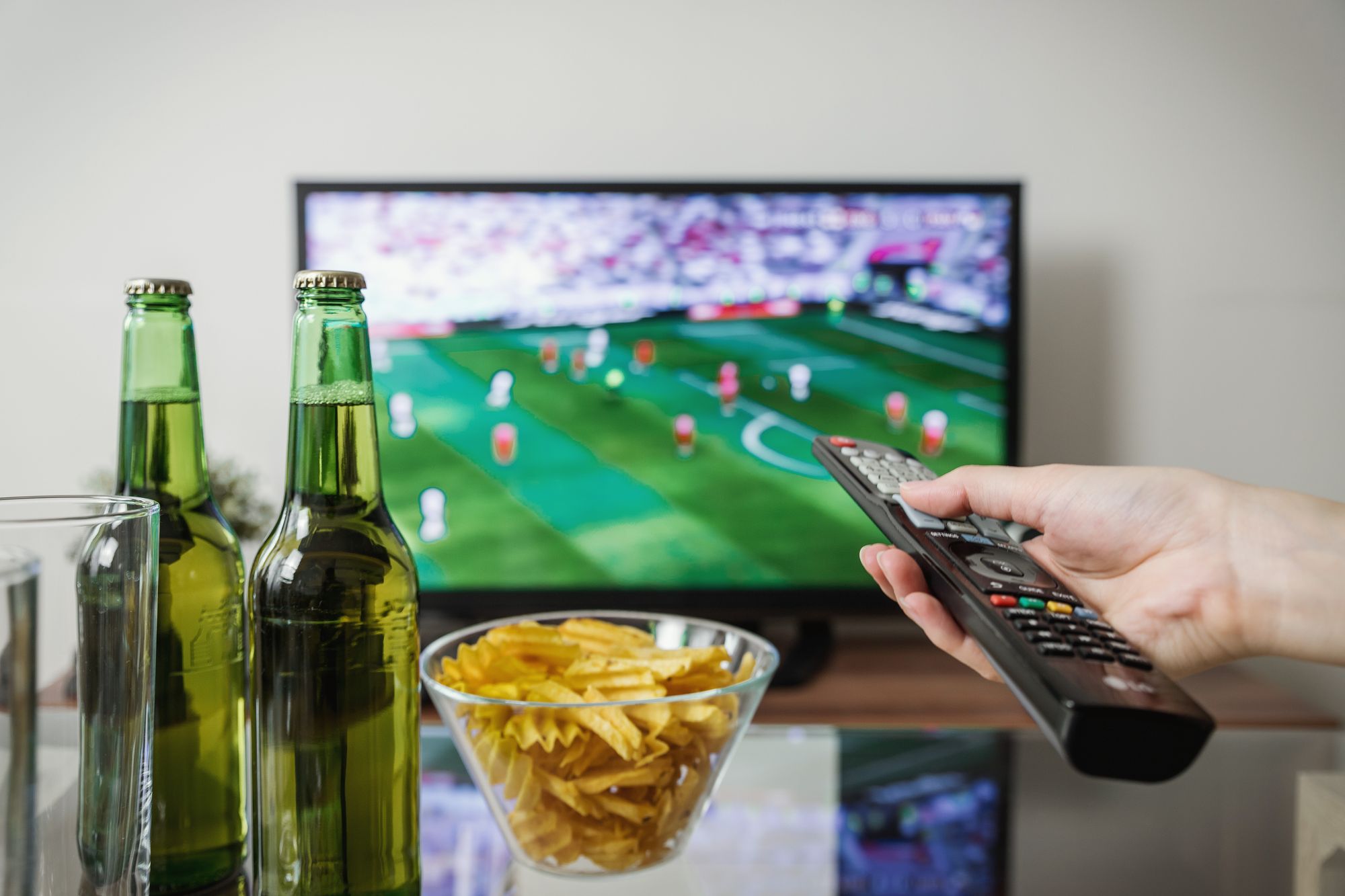
[Image placeholder: Hero image below intro. Use watch-fifa-world-cup-2026-iptv-without-buffering-hero.webp, 1200x630 WebP, priority loading, stable streaming setup with TV and Ethernet, no logos or readable text.]
Quick Summary
| Question | Quick answer |
|---|---|
| Who is this guide for? | Viewers who want buffer-free FIFA World Cup streaming |
| Main priority | Stable internet and device readiness |
| Key setup factor | Ethernet, cache clearing, and EPG refresh |
| Best fix | Test before the match and use wired connection |
Why FIFA World Cup Matches Buffer More Than Regular Content
Live sports is the most demanding IPTV use case because the stream cannot pause, buffer, or restart without missing the action. During the FIFA World Cup, millions of viewers watch simultaneously, which increases internet congestion and puts pressure on streaming infrastructure.
| Buffering cause | Why it happens during World Cup | What to check |
|---|---|---|
| Network congestion | Peak household and neighborhood usage | Test internet speed near the device |
| Weak Wi-Fi | Distance from router or interference | Use 5 GHz or Ethernet |
| Device overload | Old device or low storage | Restart and clear cache |
| Active device conflict | Multiple simultaneous streams | Confirm plan limits |
| App issues | Outdated player or wrong settings | Update and restart app |
Pre-Match Buffering Prevention Checklist
Complete this checklist before every FIFA World Cup match you plan to watch. The goal is to eliminate the most common causes of buffering before the stream starts.
- Restart your router 30 minutes before kickoff.
- Restart your streaming device.
- Clear the IPTV player app cache.
- Refresh the playlist and EPG data.
- Close unnecessary apps on the device.
- Stop large downloads, backups, or console updates.
- Test the sports category channel 20 minutes before kickoff.
- Confirm no other device is using your only active stream.
- Switch to Ethernet if Wi-Fi is unstable.
Internet Connection: Ethernet vs Wi-Fi for FIFA World Cup
The most reliable way to reduce World Cup buffering is to use Ethernet. Wi-Fi can work well, but it is more vulnerable to interference, distance, and congestion during high-traffic periods.
| Connection type | Stability | Best for | Watch-out |
|---|---|---|---|
| Ethernet (wired) | Most stable | Main TV, long matches | Cable length and placement |
| 5 GHz Wi-Fi | Good when close to router | Secondary devices | Walls reduce signal |
| 2.4 GHz Wi-Fi | Least stable for live sports | Casual viewing | Congestion during peak hours |
| Mobile data | Variable | Travel or backup | Data limits and signal |
For FIFA World Cup viewing, Ethernet on the main TV is the strongest recommendation. If Ethernet is not possible, place the device as close to the router as possible and use the 5 GHz band.
Device Optimization for Buffer-Free World Cup Streaming
Your device hardware and software state affect how well it handles live sports. Old devices, low storage, and too many background apps can cause buffering even when the internet connection is good.
Device Optimization Steps
- Check available storage on your device.
- Remove unused apps to free space.
- Close all background apps before the match.
- Update the IPTV player to the latest version.
- Restart the device after updates.
- Test playback on the sports category.
| Device | Optimization focus | Common issue |
|---|---|---|
| Smart TV | Storage and app updates | Older processors struggle with 4K |
| Fire Stick | Cache clearing | Low storage causes buffering |
| Android TV Box | App updates | Inconsistent hardware quality |
| iPhone, iPad | Background apps | Mobile data limits |
| Windows, Mac | Player updates | Firewall or antivirus interference |
For a full device comparison, read the IPTV device comparison guide.
EPG and Schedule Setup for Match-Day Viewing
EPG helps you find the correct channel and match time. If EPG is missing or shows wrong times, you may open the wrong channel or miss the kickoff window, which creates unnecessary stress and last-minute app switching that can cause buffering.
EPG Steps Before FIFA World Cup Matches
- Refresh EPG data after activation.
- Refresh again before the tournament begins.
- Check that sports channels show correct match times.
- Verify your device time zone matches your location.
- Restart the player if the guide looks stale.
If EPG does not load correctly, read the EPG TV guide guide for detailed troubleshooting.
Quality Selection Strategy for FIFA World Cup
Choosing the right stream quality based on your connection prevents buffering. A 4K stream requires more bandwidth than HD, and selecting a higher quality than your connection can handle is the most common cause of buffering during live sports.
| Quality | Bandwidth needed | When to choose |
|---|---|---|
| HD (720p) | 10 Mbps | Unstable or shared connection |
| FHD (1080p) | 20 Mbps | Stable Wi-Fi or Ethernet |
| 4K (2160p) | 35 Mbps+ | Ethernet with fast plan |
Start with HD if you are unsure about your connection. You can always switch to FHD or 4K once you confirm the stream is stable. The goal is zero interruptions during the match, not the highest possible resolution.
For detailed speed guidance, read the IPTV internet speed guide.
Active Device Plans and Simultaneous World Cup Viewing
If multiple people in your household want to watch different FIFA World Cup matches at the same time, each stream uses an active device slot. Running out of slots during a match creates buffering or stream cutoffs that look like network problems.
| Household scenario | Risk | Solution |
|---|---|---|
| One viewer, one match | Low | 1-device plan |
| Two viewers, different matches | Medium | 2-device plan |
| Family, multiple screens | High | 3-device plan |
Confirm your active device plan before the tournament begins. If you need to upgrade, contact WhatsApp support before a busy match day.
Common World Cup Buffering Fixes During Live Matches
If buffering starts during a live match, try these fixes in order. Do not skip steps or jump to the most extreme solution first.
- Pause the stream for 10 seconds, then resume.
- Switch to a lower quality setting temporarily.
- Close other apps on the device.
- Move closer to the router if on Wi-Fi.
- Switch to Ethernet if available.
- Restart the IPTV player app.
- Restart the device if the app is unresponsive.
- Refresh the playlist and EPG.
| Symptom | Likely cause | Best fix |
|---|---|---|
| Buffering every few minutes | Weak Wi-Fi | Switch to Ethernet |
| Stream freezes at kickoff | Network congestion | Lower quality temporarily |
| Audio continues but video pauses | Device overload | Close background apps |
| Channel not loading | App or login issue | Restart app and refresh playlist |
| EPG shows wrong match | Time zone or guide issue | Refresh EPG and check settings |
For more troubleshooting guidance, read the IPTV buffering fixes guide.
Common Mistakes That Cause FIFA World Cup Buffering
- Testing the setup only once instead of before every match.
- Using 2.4 GHz Wi-Fi for FHD or 4K live sports.
- Not clearing app cache before a long tournament.
- Ignoring active device limits when multiple people stream.
- Waiting until kickoff to discover a missing channel or EPG issue.
- Running large downloads or updates during live matches.
- Using an outdated player app that does not handle live streams well.
When This Advice May Not Work
Buffering may persist if your internet plan is too slow for live sports, your device is too old to handle the player app, your active device plan is already in use, your account is inactive, or your ISP throttles streaming traffic. In those cases, contact WhatsApp support with specific details about your setup and the symptoms you see during live matches.
What to Send iFlex IPTV Support
- Device name and model.
- IPTV player app name and version.
- Internet type: Wi-Fi, Ethernet, or mobile data.
- Whether the issue affects all channels or only sports.
- Screenshot or short video of the buffering.
- Whether another device works on the same network.
- Your current active device plan.
## Practical Sports Scenarios
Scenario 1: The app worked last week, but the match buffers tonight. Start with local checks: restart the app, refresh playlist and EPG, clear cache, and test the device connection. A live sports issue can be caused by the device or network even when the account is active.
Scenario 2: Two people want to watch different matches at the same time. This is not only a device setup question. It is an active device plan question. Confirm whether the selected iFlex IPTV plan supports the number of simultaneous streams your household expects.
Scenario 3: The guide is blank before kickoff. Do not wait. Refresh EPG, restart the player, check the time zone, and send support a screenshot if the guide remains empty. A missing guide is easier to investigate before the event starts.
Match-Day Confidence Rules
- Test the exact screen you will use, not only a phone backup.
- Keep the player app open early enough to refresh data.
- Use HD first if the connection is uncertain, then move higher when stable.
- Keep login details available but private.
- Send screenshots instead of describing vague errors.
These rules do not promise a perfect stream. They reduce avoidable problems and give support the context needed to help quickly.
## Internal Links Used
| Destination | Anchor text | Placement |
|---|---|---|
| /blog/smart-tv-vs-fire-stick-vs-android-tv-box-iptv-2026 | IPTV device comparison guide | Device optimization |
| /blog/best-internet-speed-hd-fhd-4k-iptv-2026 | IPTV internet speed guide | Quality selection |
| /blog/how-to-use-epg-tv-guide-with-iptv | EPG TV guide guide | EPG section |
| /blog/why-iptv-buffers-live-sports-fixes | IPTV buffering fixes guide | Common fixes |
| /blog/prepare-iptv-setup-world-cup-2026-sports | World Cup 2026 preparation guide | Tournament preparation |
| /pricing | iFlex IPTV pricing page | Active device plans |
Reverse Internal Linking Plan
| Source page | Section placement | Anchor text |
|---|---|---|
| / | Sports features section | FIFA World Cup IPTV buffering guide |
| /features | Troubleshooting block | FIFA World Cup buffer-free setup |
| /blog/why-iptv-buffers-live-sports-fixes | Related articles | FIFA World Cup specific buffering |
| /blog/prepare-iptv-setup-world-cup-2026-sports | Related reading | FIFA World Cup streaming optimization |
| /blog | Featured article card | FIFA World Cup IPTV without buffering |
Schema Recommendation
Use BlogPosting schema for the article, FAQPage schema because FAQs are visible, and HowTo schema because the pre-match checklist and device optimization steps are formal instructions.
Publishing Checklist
- FIFA World Cup buffering search intent is answered immediately.
- Ethernet vs Wi-Fi comparison is practical and clear.
- Device optimization steps are specific to live sports.
- Quality selection strategy helps viewers choose the right stream.
- Pre-match checklist is actionable before every match.
- Internal links connect to related setup, speed, EPG, and buffering content.
- Limitations are stated without unsupported guarantees.
Final Takeaway
Buffer-free FIFA World Cup viewing on IPTV starts with Ethernet, a restarted device, cleared cache, refreshed EPG, and the right quality selection. Test your setup before every match day, confirm your active device plan covers your household, and keep WhatsApp support available if something goes wrong during a live match.
Recommended Images & Media Plan
watch-fifa-world-cup-2026-iptv-without-buffering-hero.webp
- Placement
- Below the opening answer
- Purpose
- Premium hero visual that matches the article topic
- Aspect ratio
- 1200x630
- Loading
- priority
- Alt text
- FIFA World Cup 2026 IPTV buffering fix for iFlex IPTV setup
- Caption
- A stable IPTV setup starts with the real device, app, and internet connection.
- Image type
- AI-generated WebP hero
- File size target
- Under 150 KB
Cinematic dark premium streaming setup for FIFA World Cup 2026 IPTV buffering fix, modern TV and devices, subtle sports-night energy, no readable text, no real brand logos, no channel logos, no sports league logos, no copyrighted characters, no real movie posters, no recognizable scenes, no identifiable faces, no piracy cues, generic placeholder UI only
watch-fifa-world-cup-2026-iptv-without-buffering-flow-diagram.webp
- Placement
- After the main explanation section
- Purpose
- Explain setup, diagnosis, or decision flow
- Aspect ratio
- 1200x675
- Loading
- lazy
- Alt text
- FIFA World Cup 2026 IPTV buffering fix process diagram
- Caption
- Use the flow from device to app to network before changing plans or hardware.
- Image type
- AI-generated educational diagram
- File size target
- Under 200 KB
Clean technical diagram showing FIFA World Cup 2026 IPTV buffering fix flow with abstract icons and no readable labels, no readable text, no real brand logos, no channel logos, no sports league logos, no copyrighted characters, no real movie posters, no recognizable scenes, no identifiable faces, no piracy cues, generic placeholder UI only
watch-fifa-world-cup-2026-iptv-without-buffering-screenshot-placeholder.webp
- Placement
- Inside the practical steps section
- Purpose
- Show where a real screenshot should be captured during setup or troubleshooting
- Aspect ratio
- 1200x675
- Loading
- lazy
- Alt text
- FIFA World Cup 2026 IPTV buffering fix screenshot placeholder
- Caption
- Use only real screenshots from your own app/device, never fake app screens.
- Image type
- Screenshot placeholder instruction
- File size target
- Under 200 KB
Capture real buffering troubleshooting steps on the user's own device. Blur login details and do not show copyrighted match footage.
watch-fifa-world-cup-2026-iptv-without-buffering-checklist.webp
- Placement
- Before the support or final takeaway section
- Purpose
- Summarize the actions a user should complete
- Aspect ratio
- 1200x675
- Loading
- lazy
- Alt text
- FIFA World Cup 2026 IPTV buffering fix checklist visual
- Caption
- A short checklist helps prevent setup issues before live sports or long viewing sessions.
- Image type
- AI-generated checklist graphic
- File size target
- Under 200 KB
Premium dark checklist-style visual for FIFA World Cup 2026 IPTV buffering fix, abstract check marks only, no readable words, no readable text, no real brand logos, no channel logos, no sports league logos, no copyrighted characters, no real movie posters, no recognizable scenes, no identifiable faces, no piracy cues, generic placeholder UI only
FAQs
Why does my IPTV buffer during FIFA World Cup matches?
Buffering during World Cup matches is usually caused by weak Wi-Fi, network congestion, low device storage, outdated player apps, or active device plan limits.
Is Ethernet better than Wi-Fi for FIFA World Cup on IPTV?
Yes, Ethernet provides the most stable connection for live sports. Wi-Fi can work well, but Ethernet reduces buffering risk during high-traffic tournament periods.
What internet speed do I need for FIFA World Cup without buffering?
HD works at 10 Mbps, FHD at 20 Mbps, and 4K at 35 Mbps or higher. Ethernet provides the best stability for live World Cup matches.
Can multiple people watch different FIFA matches at the same time?
Yes, with a 2-device or 3-device active plan. Each simultaneous stream requires an active slot on your account.
How do I fix buffering during a live FIFA World Cup match?
Pause and resume the stream, lower the quality, close background apps, switch to Ethernet, restart the player, and refresh the playlist and EPG.
Should I clear my IPTV app cache before FIFA World Cup matches?
Yes, clearing cache before the tournament and before busy match days helps prevent buffering caused by low device storage or stale app data.
Need help with this setup?
Message iFlex IPTV support with your device, app, internet speed, and the article topic you are following.
Message Support