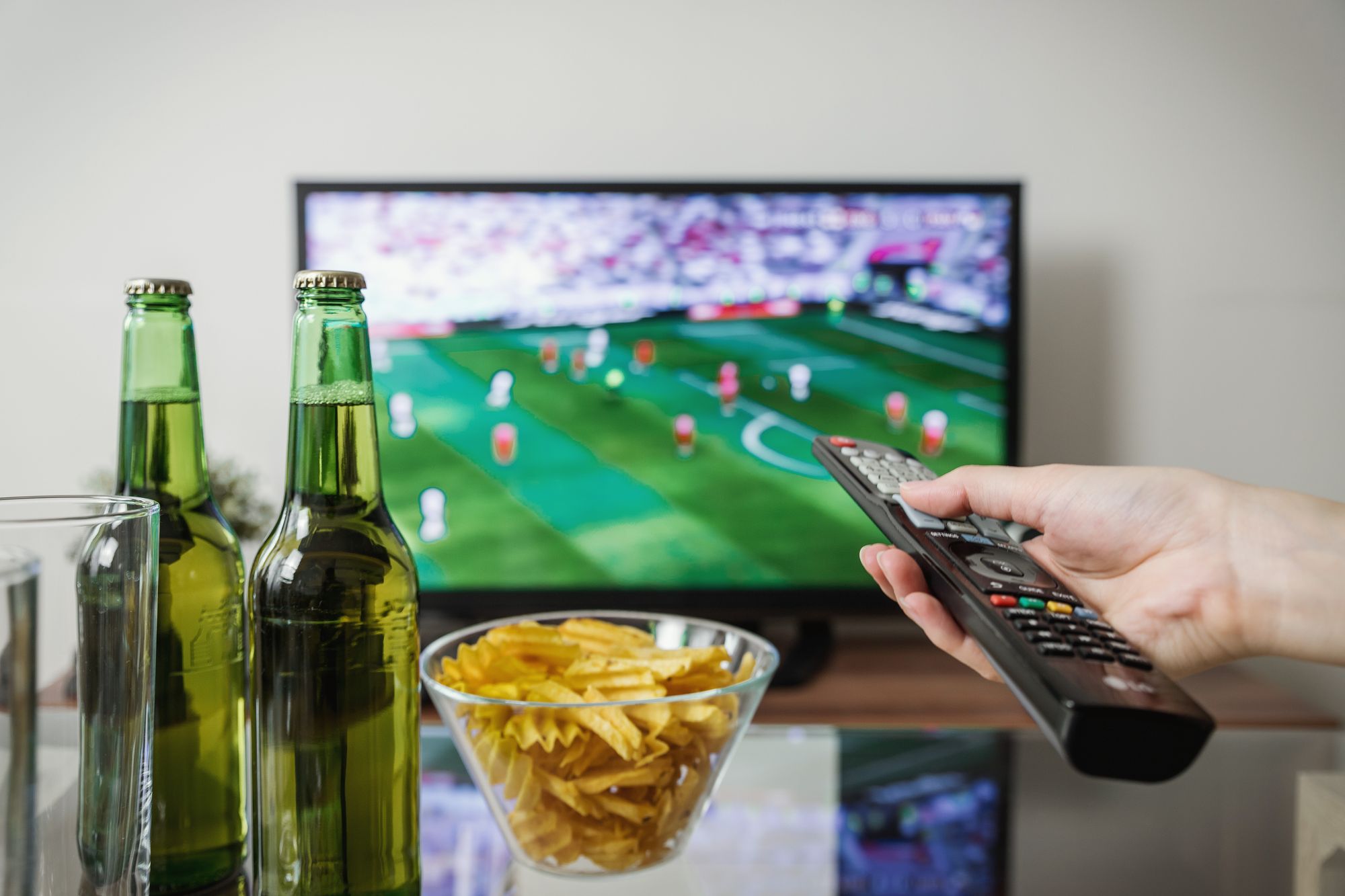
Learn how IPTV EPG support works, why guides help live sports, news, and channel browsing, plus how to refresh missing TV guide data.
An EPG, or Electronic Program Guide, shows what is on now and what comes next in an IPTV player. It helps users browse live TV, sports, news, and international categories faster, but guide data can vary by app, category, region, and refresh settings.
This guide explains how EPG works with iFlex IPTV, when to refresh it, why some channels may show limited schedule data, and what to send support if your TV guide stays empty.
[Image placeholder: Hero image below intro. Use how-to-use-epg-tv-guide-with-iptv-hero.webp, 1200x630 WebP, priority loading, abstract TV guide grid on generic screen, no readable text, no logos.]
Quick Summary
| Question | Quick answer |
|---|---|
| What is EPG? | Electronic Program Guide |
| Why use it? | Faster live TV and sports browsing |
| Main fix | Refresh EPG in the player |
| Limitation | Guide data may vary by category |
What You Need Before Using EPG
| Requirement | Why it matters | Example |
|---|---|---|
| IPTV player with EPG | Shows guide data | Compatible app |
| Active playlist | Links channels to guide | iFlex IPTV details |
| Correct time zone | Keeps schedules aligned | Device settings |
| App refresh option | Updates guide | EPG refresh menu |
How EPG Helps Real Viewers
Without EPG, large IPTV channel lists can feel like endless scrolling. With guide data, you can see current and upcoming programming, browse sports windows, and move through news or international categories faster.
EPG is especially useful before live events. It lets you confirm the guide is loading before match time instead of discovering a blank schedule during the event.
How to Refresh EPG
Step 1: Open Player Settings
Look for TV guide, EPG, playlist, or refresh settings in your IPTV app.
Step 2: Refresh Playlist First
If categories look outdated, refresh the playlist before the guide.
Step 3: Refresh EPG
Give the app time to download guide data. Some apps take longer on older TVs.
Step 4: Check Device Time Zone
If schedule times look wrong, check the TV or device time zone.
Step 5: Restart the App
If guide data still does not appear, fully close and reopen the app.
[Image placeholder: Screenshot placeholder after Step 3. Use a real app EPG refresh menu screenshot. Blur private details and avoid fake app screens.]
EPG Troubleshooting Matrix
| Problem | Likely cause | First fix | Support trigger |
|---|---|---|---|
| Blank guide | EPG not loaded | Refresh guide | Still blank |
| Wrong times | Time zone mismatch | Check device clock | Times remain wrong |
| Some channels empty | Limited guide data | Check category | Many missing |
| App slow | Device strain | Restart app | Multiple apps fail |
Best EPG Practices
| Practice | Why it helps |
|---|---|
| Refresh before sports | Confirms schedule data |
| Keep app updated | Improves guide handling |
| Check time zone | Prevents wrong program times |
| Use supported player | Better EPG compatibility |
Common Mistakes to Avoid
- Assuming a blank EPG means all service features are inactive.
- Forgetting to refresh playlist before the guide.
- Ignoring the device time zone.
- Using an app that has weak EPG support.
- Comparing guide behavior across different apps without checking settings.
When This Advice May Not Work
EPG may remain limited if a channel has no available guide data, the app does not support the format well, the device is too old, time zone data is wrong at the system level, or the selected category has partial schedules.
What to Send iFlex IPTV Support
Send device model, app name, screenshot of the guide screen, whether all categories or only some channels are affected, device time zone, and whether live TV playback works.
## Practical EPG Examples
Example 1: Live TV plays, but the guide is empty. This usually points to an EPG loading or app setting issue, not necessarily an inactive account.
Example 2: The guide appears, but times are wrong. Check the device time zone and any app time offset setting before changing playlists.
Example 3: Some categories have guide data and others do not. EPG availability can vary by category and region, so support should check the app and category instead of treating it as a full failure.
EPG Maintenance Checklist
- Refresh EPG after first activation.
- Refresh before major sports events.
- Keep the device time zone correct.
- Use a player with reliable guide support.
- Send screenshots when guide data is missing.
EPG is a usability feature, not just a technical extra. A working guide makes iFlex IPTV easier to browse for sports, news, movies, kids content, and international categories.
If EPG matters to your household, mention it before activation. Support can recommend a player that handles guide data well on your device, and you can test the guide before relying on it for live sports or news schedules.
Do not treat EPG as a one-time setting. Refresh it after activation, before major live events, and whenever the app looks stale. That routine is especially useful on older Smart TVs and low-storage streaming devices.
## Internal Links Used
| Destination | Anchor text | Placement |
|---|---|---|
| /features | EPG support | Intro |
| /blog/set-up-iptv-on-smart-tv-without-confusion | Smart TV setup guide | App settings context |
| /blog/install-iptv-on-fire-stick-2026 | Fire Stick setup guide | Device context |
| /support | WhatsApp support | Support checklist |
Reverse Internal Linking Plan
| Source page | Section placement | Anchor text |
|---|---|---|
| /features | EPG feature block | how EPG works with IPTV |
| /blog/install-iptv-on-fire-stick-2026 | EPG step | IPTV EPG guide |
| /blog/set-up-iptv-on-smart-tv-without-confusion | EPG troubleshooting | refresh TV guide data |
| /faq | EPG answer | missing IPTV guide |
Schema Recommendation
Use BlogPosting and FAQPage schema. Do not use HowTo unless the EPG refresh steps are marked up as a formal HowTo with visible steps.
Publishing Checklist
- EPG meaning is explained in the first paragraph.
- Tables cover requirements, troubleshooting, and best practices.
- App and category limitations are stated.
- Screenshot instructions avoid fake screenshots.
- Setup articles link back to this EPG explainer.
Final Takeaway
EPG makes IPTV easier to use, especially for live sports, news, and large channel lists. If the guide is missing, refresh playlist and EPG, check time zone, restart the app, and send iFlex IPTV support a screenshot with your device and app details.
Recommended Images & Media Plan
how-to-use-epg-tv-guide-with-iptv-hero.webp
- Placement
- Below the opening answer
- Purpose
- Premium hero visual that matches the article topic
- Aspect ratio
- 1200x630
- Loading
- priority
- Alt text
- IPTV EPG TV guide for iFlex IPTV setup
- Caption
- A stable IPTV setup starts with the real device, app, and internet connection.
- Image type
- AI-generated WebP hero
- File size target
- Under 150 KB
Cinematic dark premium streaming setup for IPTV EPG TV guide, modern TV and devices, subtle sports-night energy, no readable text, no real brand logos, no channel logos, no sports league logos, no copyrighted characters, no real movie posters, no recognizable scenes, no identifiable faces, no piracy cues, generic placeholder UI only
how-to-use-epg-tv-guide-with-iptv-flow-diagram.webp
- Placement
- After the main explanation section
- Purpose
- Explain setup, diagnosis, or decision flow
- Aspect ratio
- 1200x675
- Loading
- lazy
- Alt text
- IPTV EPG TV guide process diagram
- Caption
- Use the flow from device to app to network before changing plans or hardware.
- Image type
- AI-generated educational diagram
- File size target
- Under 200 KB
Clean technical diagram showing IPTV EPG TV guide flow with abstract icons and no readable labels, no readable text, no real brand logos, no channel logos, no sports league logos, no copyrighted characters, no real movie posters, no recognizable scenes, no identifiable faces, no piracy cues, generic placeholder UI only
how-to-use-epg-tv-guide-with-iptv-screenshot-placeholder.webp
- Placement
- Inside the practical steps section
- Purpose
- Show where a real screenshot should be captured during setup or troubleshooting
- Aspect ratio
- 1200x675
- Loading
- lazy
- Alt text
- IPTV EPG TV guide screenshot placeholder
- Caption
- Use only real screenshots from your own app/device, never fake app screens.
- Image type
- Screenshot placeholder instruction
- File size target
- Under 200 KB
Capture a real EPG refresh or guide screen. Blur account details and avoid fake program names or channel logos.
how-to-use-epg-tv-guide-with-iptv-checklist.webp
- Placement
- Before the support or final takeaway section
- Purpose
- Summarize the actions a user should complete
- Aspect ratio
- 1200x675
- Loading
- lazy
- Alt text
- IPTV EPG TV guide checklist visual
- Caption
- A short checklist helps prevent setup issues before live sports or long viewing sessions.
- Image type
- AI-generated checklist graphic
- File size target
- Under 200 KB
Premium dark checklist-style visual for IPTV EPG TV guide, abstract check marks only, no readable words, no readable text, no real brand logos, no channel logos, no sports league logos, no copyrighted characters, no real movie posters, no recognizable scenes, no identifiable faces, no piracy cues, generic placeholder UI only
FAQs
What does EPG mean in IPTV?
EPG means Electronic Program Guide. It shows current and upcoming schedule data when available.
Why is my IPTV EPG blank?
The guide may need refreshing, the app may need restarting, or guide data may be limited for that category.
Why are EPG times wrong?
Wrong times are often caused by device time zone settings or app time offset settings.
Does EPG work on Fire Stick?
Yes where the player supports EPG and guide data is available, but refresh settings vary by app.
Does EPG work on Smart TV?
Many Smart TV players support EPG, but older TVs and limited apps may load guide data slowly.
What should I send support for EPG issues?
Send your device, app name, screenshot, category affected, and device time zone.
Need help with this setup?
Message iFlex IPTV support with your device, app, internet speed, and the article topic you are following.
Message Support