
Install IPTV on Fire Stick with a clear setup checklist for compatible apps, login details, EPG loading, cache fixes, and WhatsApp help.
To install IPTV on Fire Stick, update the device, install a compatible IPTV player, enter the correct M3U or Xtream Codes details, let live TV, VOD, series, and EPG load, then test playback before your first major event.
This iFlex IPTV guide explains what to prepare, which login methods matter, how to troubleshoot common Fire Stick issues, and what to send WhatsApp support if setup fails.
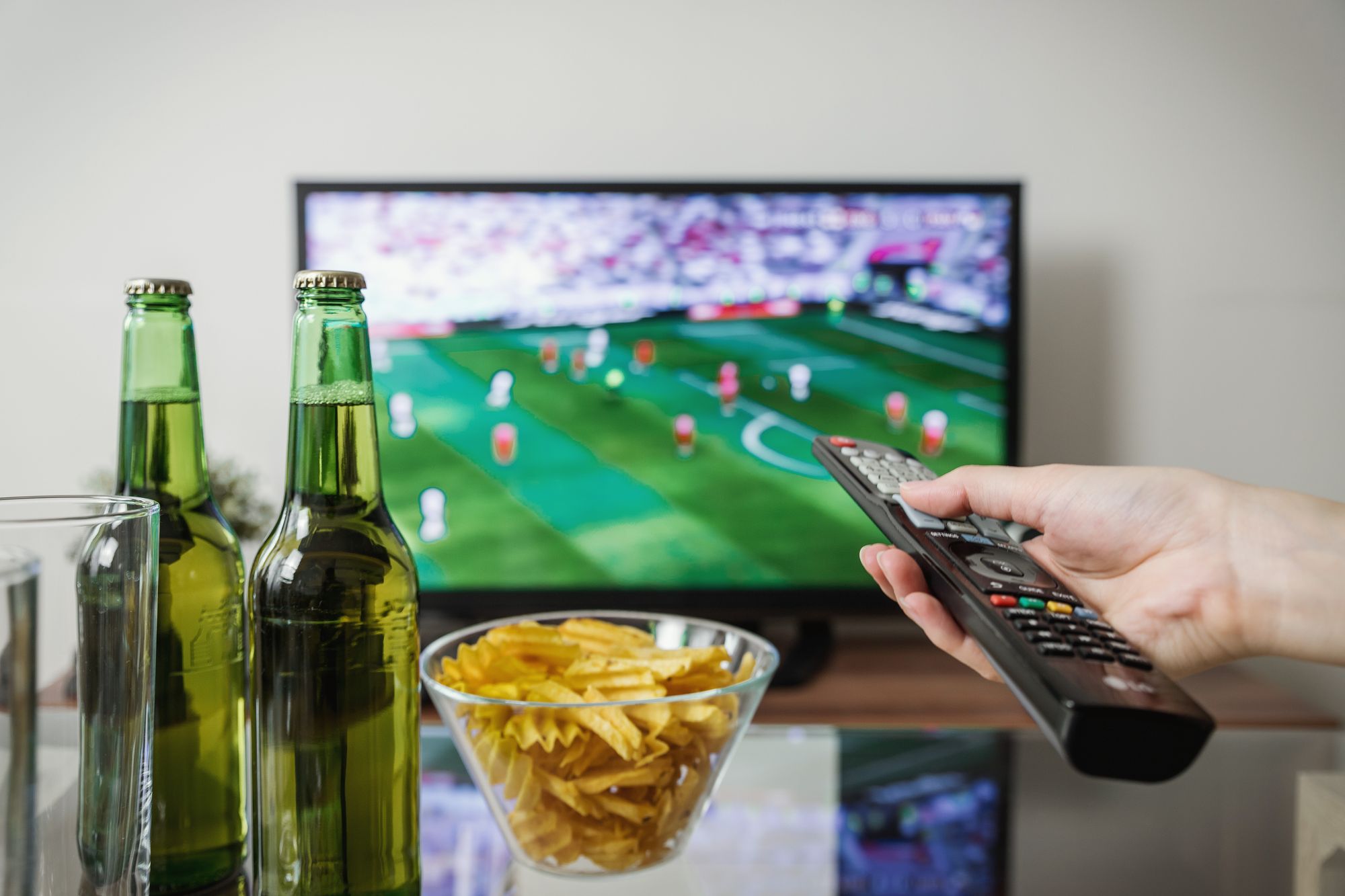
[Image placeholder: Hero image below intro. Use install-iptv-on-fire-stick-2026-hero.webp, 1200x630 WebP, priority loading, generic streaming stick and TV setup, no Amazon logo, no readable text.]
Quick Summary
| Question | Quick answer |
|---|---|
| Who is this for? | Fire Stick users setting up IPTV |
| Main setup method | Compatible app plus login details |
| Details used | M3U, Xtream Codes, or portal depending on app |
| Main problem | Typos, cache, storage, or weak Wi-Fi |
What You Need Before You Start
| Requirement | Why it matters | Example |
|---|---|---|
| Fire Stick updated | Reduces app issues | Latest device software |
| IPTV subscription | Provides valid details | iFlex IPTV plan |
| Compatible player | Loads playlist and EPG | App recommended by support |
| Stable internet | Supports live TV | 5 GHz Wi-Fi or Ethernet adapter |
M3U vs Xtream Codes vs Portal
| Login method | What you enter | Common mistake |
|---|---|---|
| Xtream Codes | Username, password, server URL | Mixing fields |
| M3U | Playlist URL | Missing characters |
| Portal/MAC | Portal URL or device ID | Sending wrong device code |
Support will tell you which method applies. Do not guess by trying random fields in the app.
Step-by-Step Fire Stick Setup
Step 1: Update and Restart
Update the Fire Stick software, restart the device, and confirm enough storage is available.
Step 2: Install the Recommended Player
Use the compatible IPTV player recommended for your setup. App availability can change, so confirm before activation.
Step 3: Enter Login Details Carefully
Copy username, password, server URL, M3U, or portal details exactly. Capital letters, slashes, and symbols matter.
Step 4: Load Playlist and EPG
Give the app time to load live TV, VOD, series, and EPG. If the guide is blank, refresh EPG and restart the app.
Step 5: Test Before Match Time
Test sports, movies, series, and your preferred categories before a major event. If you need multiple screens, check IPTV plans.
[Image placeholder: Screenshot placeholder inside Step 3 or Step 4. Capture the real login method screen after activation, blur credentials, and do not create a fake app screenshot.]
Common Fire Stick Problems and Fixes
| Problem | Likely cause | First fix | Support trigger |
|---|---|---|---|
| Login failed | Wrong field or typo | Re-enter details | Details still fail |
| App slow | Low storage/cache | Clear cache | Multiple apps slow |
| No EPG | Guide not refreshed | Refresh EPG | Never loads |
| Buffering | Wi-Fi weak | Try 5 GHz or Ethernet | All categories buffer |
Best Settings After Setup
| Setting | Recommended option | Why |
|---|---|---|
| EPG refresh | Manual before events | Current guide |
| Quality | Auto or HD first | Stability test |
| Cache routine | Clear when app slows | Improves responsiveness |
| Network | 5 GHz or Ethernet | Better sports readiness |
Common Mistakes to Avoid
- Installing too many apps and filling storage.
- Copying the server URL with a missing slash.
- Trying M3U in an Xtream Codes screen.
- Ignoring EPG refresh after activation.
- Testing only on the first live match.
- Not sending screenshots to WhatsApp support.
When This Advice May Not Work
Setup may fail if the Fire Stick is too old, the app no longer supports the login method, the account is inactive, Wi-Fi is unstable, or the active device plan is already in use elsewhere.
What to Send iFlex IPTV Support
Send Fire Stick model, app name, login method, screenshot of the error, internet type, whether another device works, and your active device count.
## Practical Setup Examples
Example 1: The app asks for username, password, and server URL. That usually means an Xtream Codes style login. Pasting a full M3U playlist URL into those fields will not work.
Example 2: The app shows a MAC address or device key. That code should be sent exactly as displayed. Missing one character can prevent activation from connecting to the correct device.
Example 3: The app loads live TV but no EPG. The account may still be active. Refresh the guide, restart the app, check time zone, and ask support if the player needs a different EPG setting.
Setup Quality Checklist
- Correct app for the selected device.
- Correct login method for that app.
- Details copied exactly, including symbols.
- EPG refreshed after first playlist load.
- Playback tested on live TV, VOD, series, and sports.
- Screenshot ready if an error appears.
Good setup is mostly careful matching: device to app, app to login method, connection to quality, and plan to active stream count.
## Internal Links Used
| Destination | Anchor text | Placement |
|---|---|---|
| /pricing | IPTV plans | Step 5 |
| /blog/smart-tv-vs-fire-stick-vs-android-tv-box-iptv-2026 | device comparison guide | Hardware note |
| /blog/why-iptv-buffers-live-sports-fixes | buffering guide | Troubleshooting table |
| /features | guided IPTV setup | Intro support |
Reverse Internal Linking Plan
| Source page | Section placement | Anchor text |
|---|---|---|
| /devices | Fire Stick section | install IPTV on Fire Stick |
| /blog/smart-tv-vs-fire-stick-vs-android-tv-box-iptv-2026 | Fire Stick section | Fire Stick setup guide |
| /support | Setup help | Fire Stick IPTV setup |
| /pricing | After plan selector | set up Fire Stick with support |
Schema Recommendation
Use BlogPosting, FAQPage, and HowTo schema because the article includes visible step-by-step setup instructions.
Publishing Checklist
- Setup steps are practical and ordered.
- M3U, Xtream Codes, and portal methods are explained safely.
- Screenshot instructions forbid fake screenshots.
- Common errors table includes support triggers.
- CTA points to WhatsApp support and pricing.
Final Takeaway
Fire Stick is a strong IPTV device when the app, login method, storage, Wi-Fi, and EPG are handled carefully. Before your first sports night, test iFlex IPTV on the same Fire Stick you will use and message support with screenshots if setup does not load correctly.
Recommended Images & Media Plan
install-iptv-on-fire-stick-2026-hero.webp
- Placement
- Below the opening answer
- Purpose
- Premium hero visual that matches the article topic
- Aspect ratio
- 1200x630
- Loading
- priority
- Alt text
- Fire Stick IPTV setup for iFlex IPTV setup
- Caption
- A stable IPTV setup starts with the real device, app, and internet connection.
- Image type
- AI-generated WebP hero
- File size target
- Under 150 KB
Cinematic dark premium streaming setup for Fire Stick IPTV setup, modern TV and devices, subtle sports-night energy, no readable text, no real brand logos, no channel logos, no sports league logos, no copyrighted characters, no real movie posters, no recognizable scenes, no identifiable faces, no piracy cues, generic placeholder UI only
install-iptv-on-fire-stick-2026-flow-diagram.webp
- Placement
- After the main explanation section
- Purpose
- Explain setup, diagnosis, or decision flow
- Aspect ratio
- 1200x675
- Loading
- lazy
- Alt text
- Fire Stick IPTV setup process diagram
- Caption
- Use the flow from device to app to network before changing plans or hardware.
- Image type
- AI-generated educational diagram
- File size target
- Under 200 KB
Clean technical diagram showing Fire Stick IPTV setup flow with abstract icons and no readable labels, no readable text, no real brand logos, no channel logos, no sports league logos, no copyrighted characters, no real movie posters, no recognizable scenes, no identifiable faces, no piracy cues, generic placeholder UI only
install-iptv-on-fire-stick-2026-screenshot-placeholder.webp
- Placement
- Inside the practical steps section
- Purpose
- Show where a real screenshot should be captured during setup or troubleshooting
- Aspect ratio
- 1200x675
- Loading
- lazy
- Alt text
- Fire Stick IPTV setup screenshot placeholder
- Caption
- Use only real screenshots from your own app/device, never fake app screens.
- Image type
- Screenshot placeholder instruction
- File size target
- Under 200 KB
Capture real player login, playlist refresh, or EPG settings screens. Blur credentials and never mock a branded app screen.
install-iptv-on-fire-stick-2026-checklist.webp
- Placement
- Before the support or final takeaway section
- Purpose
- Summarize the actions a user should complete
- Aspect ratio
- 1200x675
- Loading
- lazy
- Alt text
- Fire Stick IPTV setup checklist visual
- Caption
- A short checklist helps prevent setup issues before live sports or long viewing sessions.
- Image type
- AI-generated checklist graphic
- File size target
- Under 200 KB
Premium dark checklist-style visual for Fire Stick IPTV setup, abstract check marks only, no readable words, no readable text, no real brand logos, no channel logos, no sports league logos, no copyrighted characters, no real movie posters, no recognizable scenes, no identifiable faces, no piracy cues, generic placeholder UI only
FAQs
What app should I use for IPTV on Fire Stick?
Use a compatible IPTV player recommended for your login method. App availability can change, so confirm with support.
Do I need M3U or Xtream Codes?
It depends on the player. Xtream Codes uses username, password, and server URL; M3U uses a playlist URL.
Why does my Fire Stick login fail?
Most login failures come from typos, wrong fields, or using the wrong login method for the app.
Why is IPTV slow on Fire Stick?
Low storage, app cache, weak Wi-Fi, or an overloaded device can slow playback.
Does EPG work on Fire Stick?
Yes where guide data is available and the player supports EPG, but you may need to refresh the guide.
Can support set up Fire Stick for me?
iFlex IPTV support can guide you through app choice, login, EPG refresh, and troubleshooting on WhatsApp.
Need help with this setup?
Message iFlex IPTV support with your device, app, internet speed, and the article topic you are following.
Message Support